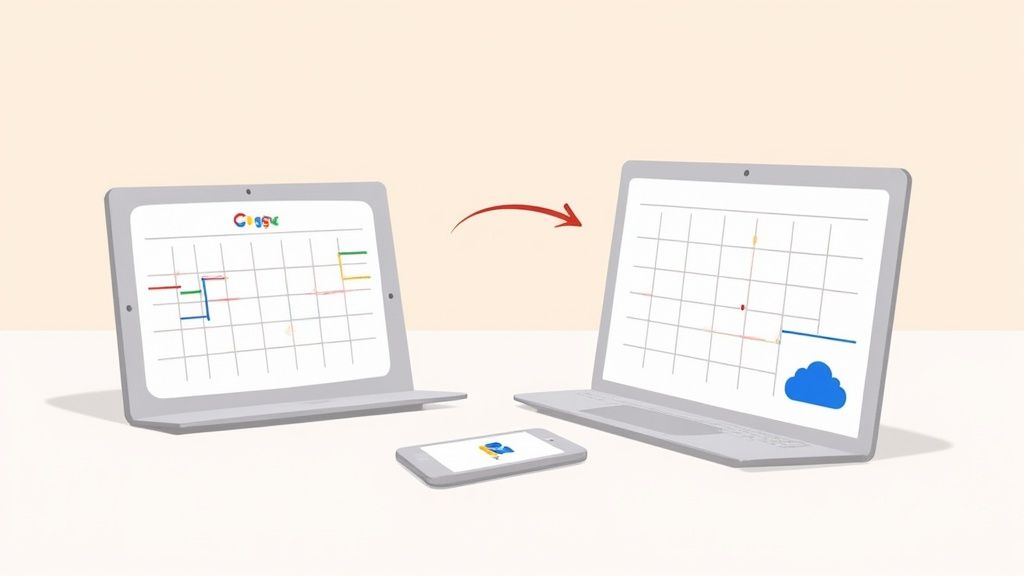
You can add an iCal calendar to Google Calendar by subscribing to its public calendar URL. That gives you a read-only view of the source calendar inside Google Calendar. It is not the same as a two-way sync.
Use this decision first:
- You have a public iCal or
webcalURL and only need to view its events in Google Calendar: add it as a calendar URL subscription. - You need to edit events from both Apple Calendar and Google Calendar: use an account-level sync method or a service built for two-way synchronization.
- You only have a downloaded
.icsfile: import it as a one-time copy instead. See how to import an ICS file into Google Calendar.
Subscription vs. Two-Way Sync
A subscription lets Google Calendar read an external iCal feed. Changes must be made at the source calendar, and the subscribed calendar is not the place to edit those events.
Two-way sync means changes made in either connected account can be reflected in the other. A public iCal URL alone does not create that kind of relationship.
Add an iCal URL to Google Calendar
- Get the public calendar URL from the source calendar or service. It may begin with
webcal://or use an HTTPS URL ending in.ics. - Open Google Calendar in a desktop browser.
- In the left sidebar, select Other calendars, then the plus icon.
- Choose From URL.
- Paste the public calendar URL and select Add calendar.
The subscribed calendar appears under Other calendars. If events do not appear as expected, confirm that the source URL is public and still serves a valid calendar feed.
What You Can and Cannot Do
A URL subscription is appropriate for a schedule you want to read in Google Calendar. Create and edit events at the source calendar. Do not mix a subscription with repeated manual imports of the same schedule - that is a common way to create duplicate events.
When You Need True Two-Way Calendar Sync
A public feed is not enough if you need to create or edit the same events from both calendar systems. Use an account-level connection or a dedicated synchronization service that supports the accounts and editing behavior you need.
Before connecting anything, choose a source of truth for each calendar. This reduces duplicate events and makes troubleshooting easier.
Share Events Without Giving Attendees a Private Calendar Feed
A private calendar URL can expose event details to anyone who has it, so do not distribute it casually. For an event program, share an event page or calendar-save link intended for attendees instead of asking them to subscribe to a personal or internal calendar.
Add to Calendar PRO supports managed event links, calendar buttons, landing pages, RSVP workflows, and ICS generation. It should not be described here as a generic two-way iCal-to-Google account-sync tool.